Blocks
How blocks work
Add it with one command
It's written into your project.
It's your code
Edit it like any file of yours.
Pro needs a license key
Anyone can browse them. See pricing
15 of 15 blocks
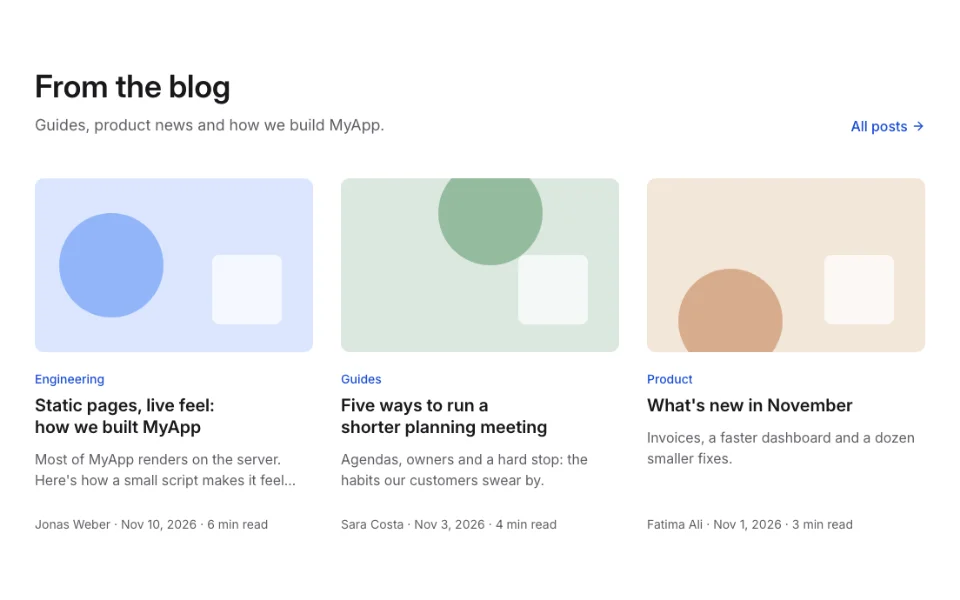
Blog articles
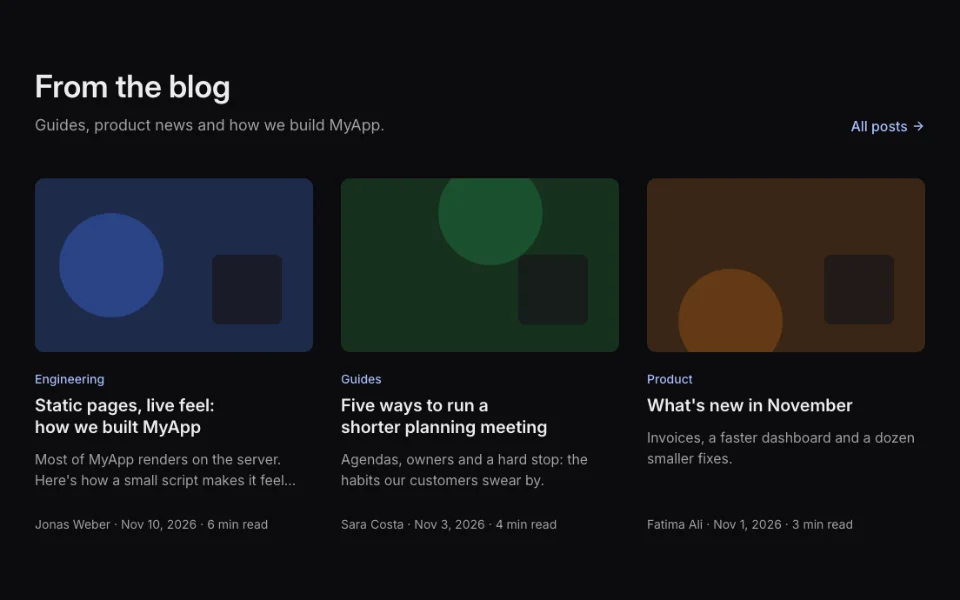
The latest posts as cards: a cover, the category, the title, a short excerpt, and who wrote it and when.
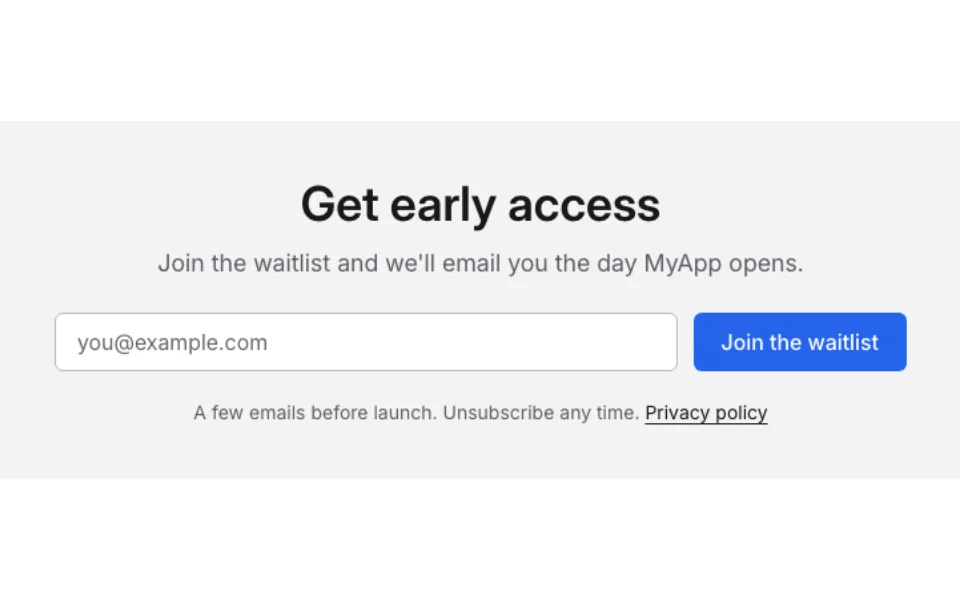
Sign-up
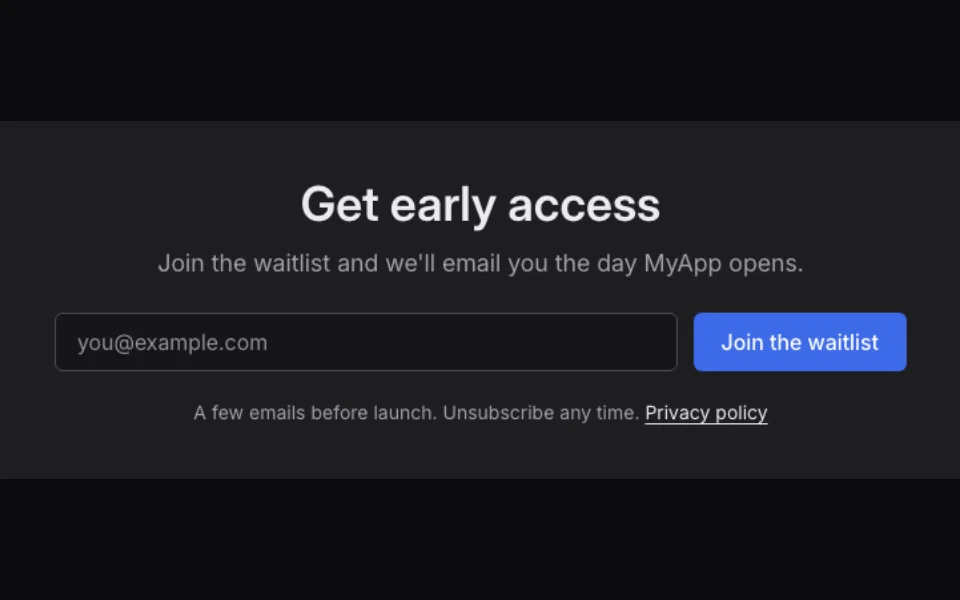
One email field and one button for a waitlist or a newsletter, with what they'll get and the reassurance right under it.
Contact
1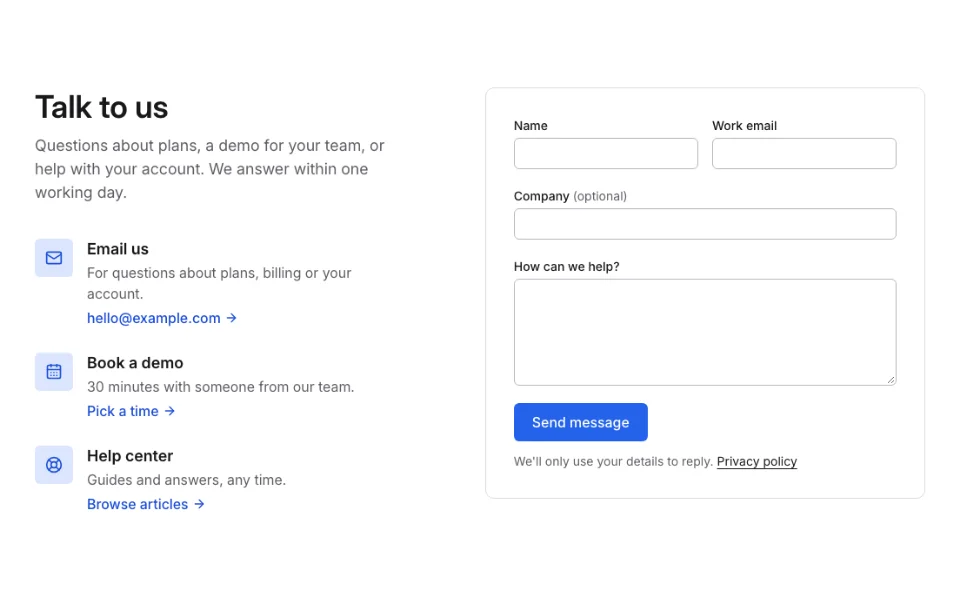
Contact
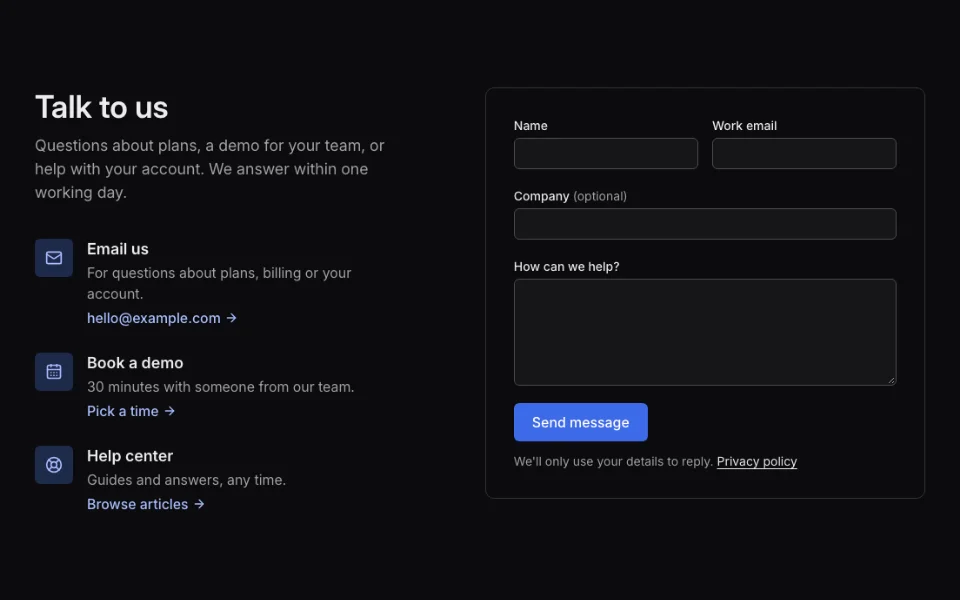
Three ways to reach you beside a short form: checked on the server, answered with a toast, guarded by a honeypot.
Access denied page
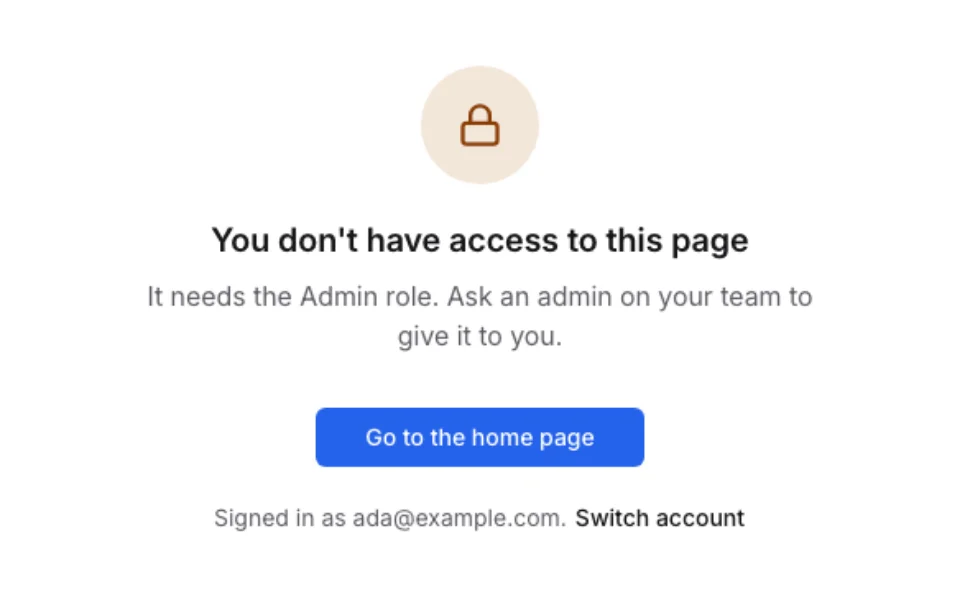
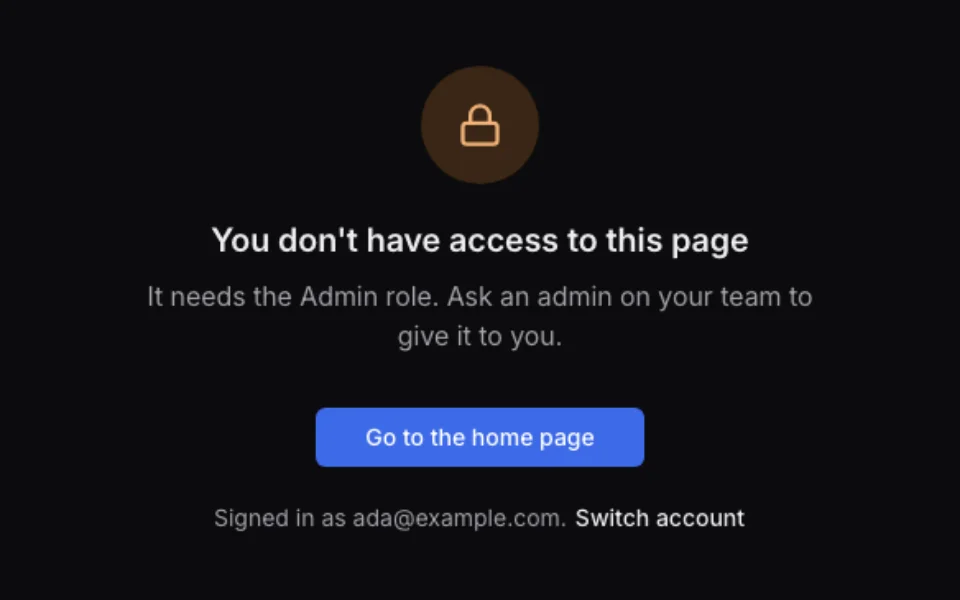
Where people land without the role a page needs: which role, who can give it, and a way to switch accounts.
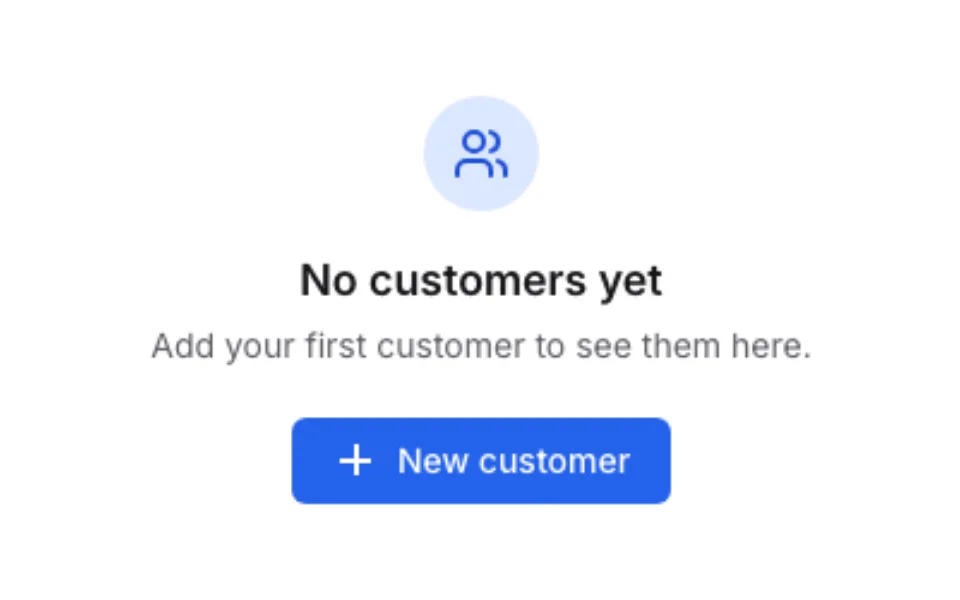
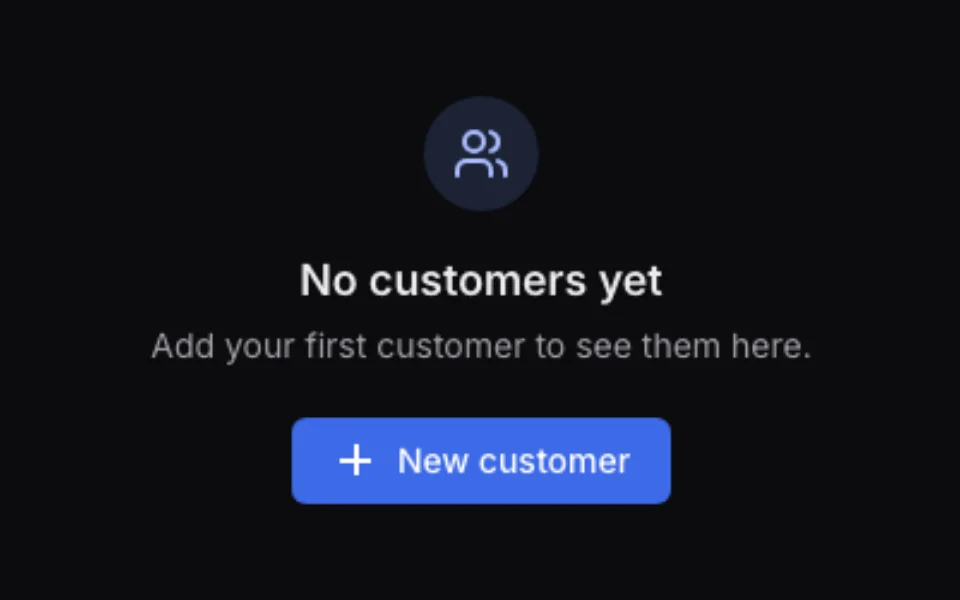
Empty state
What a list shows when it's empty: the one action that fills it, or a way to clear the search.
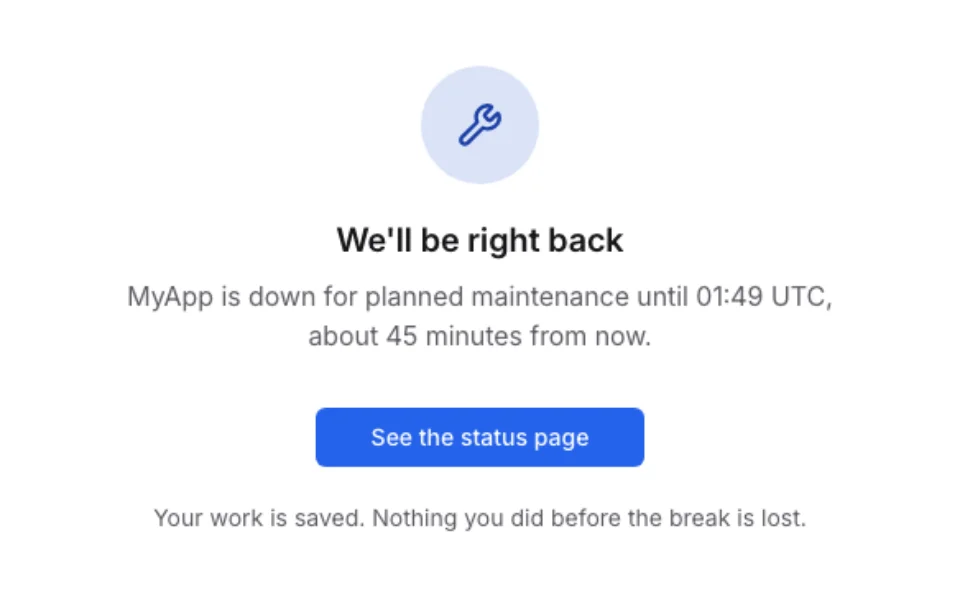
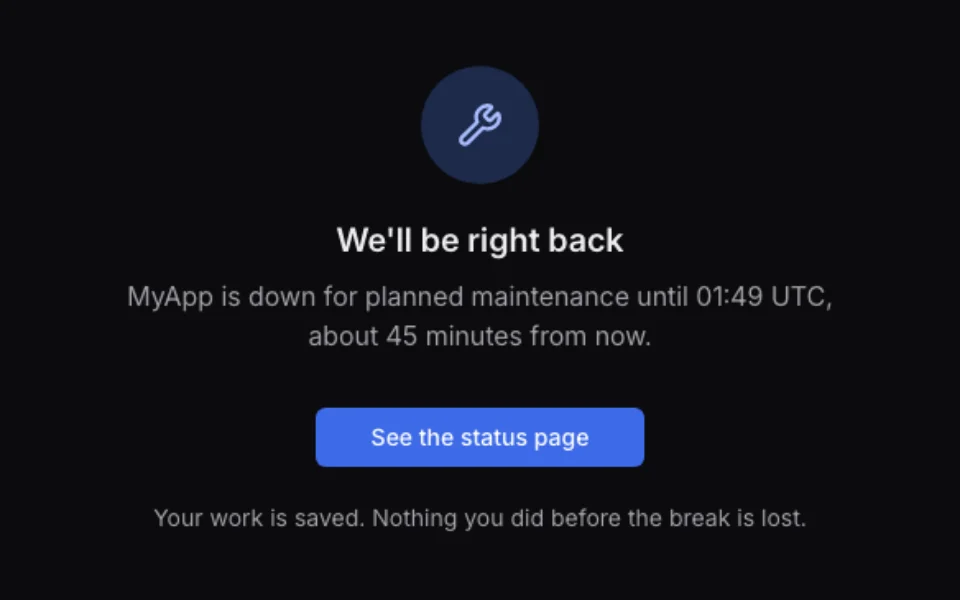
Maintenance page
Take the app down for planned work: every request gets a page saying when it's back, with status 503.
FAQ
1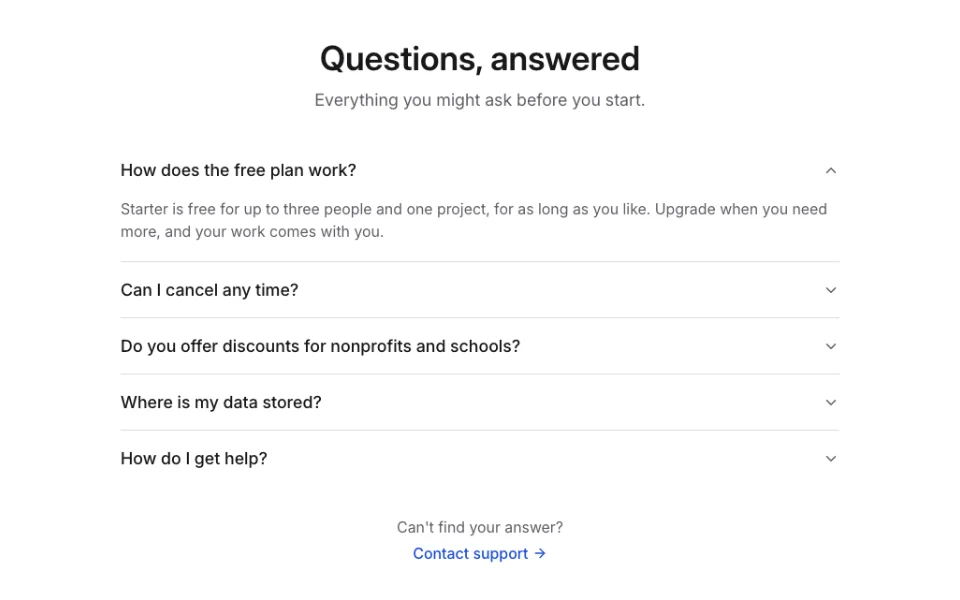
FAQ
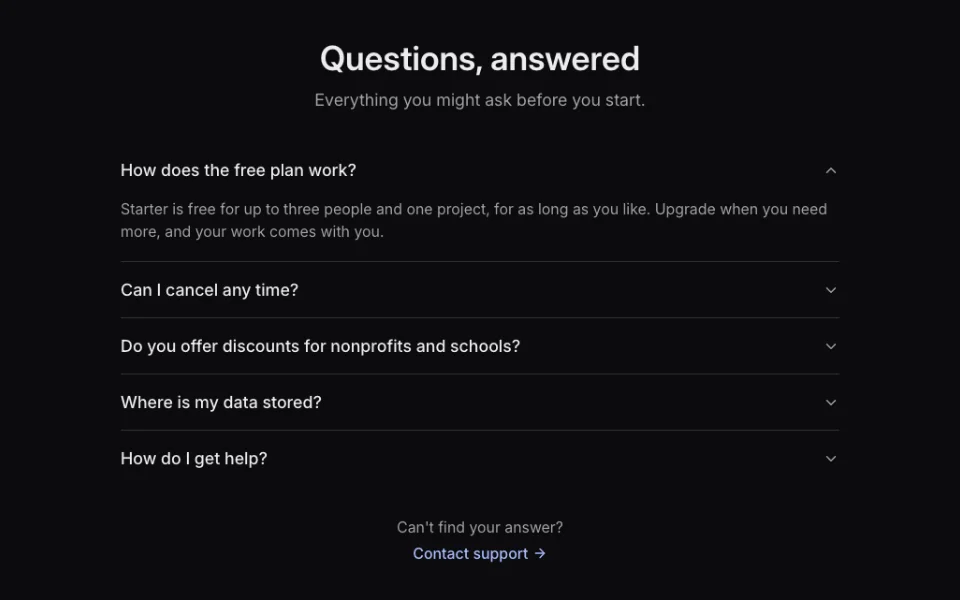
The questions that stop people signing up, each opening to its answer, with a way to ask your own.
Features
1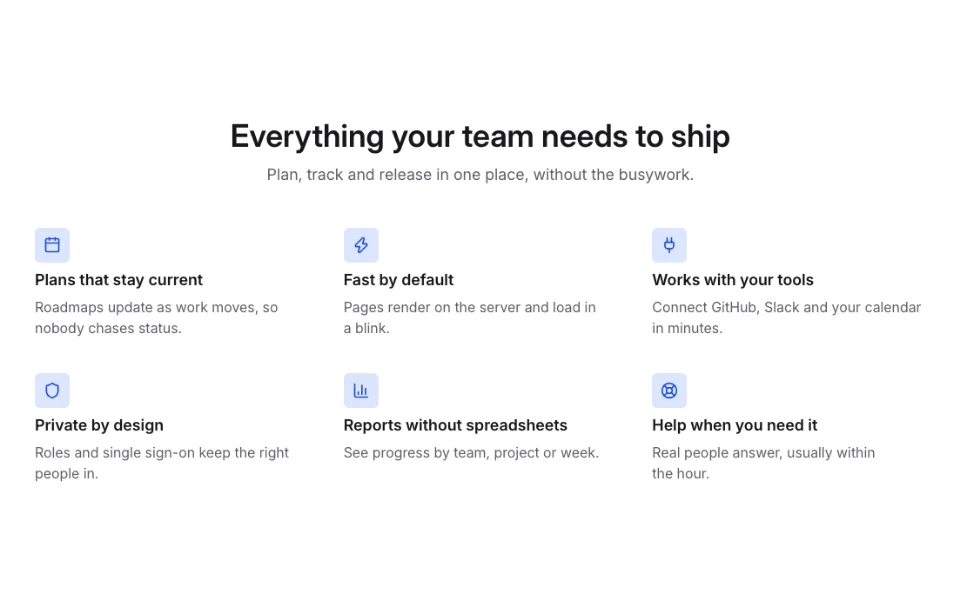
Features
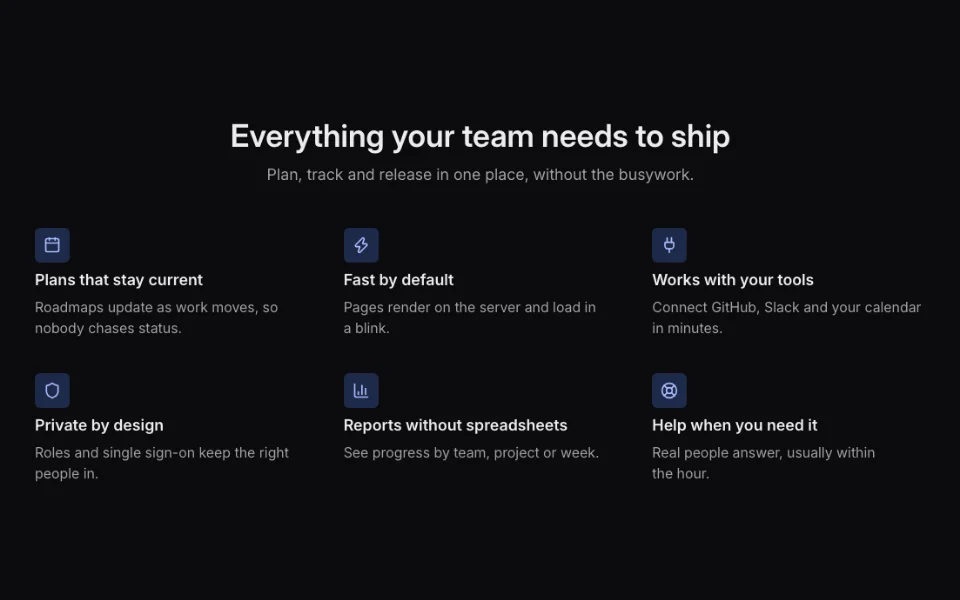
What the product does: a heading over a grid of features, each an icon, a title and one sentence.
Footer
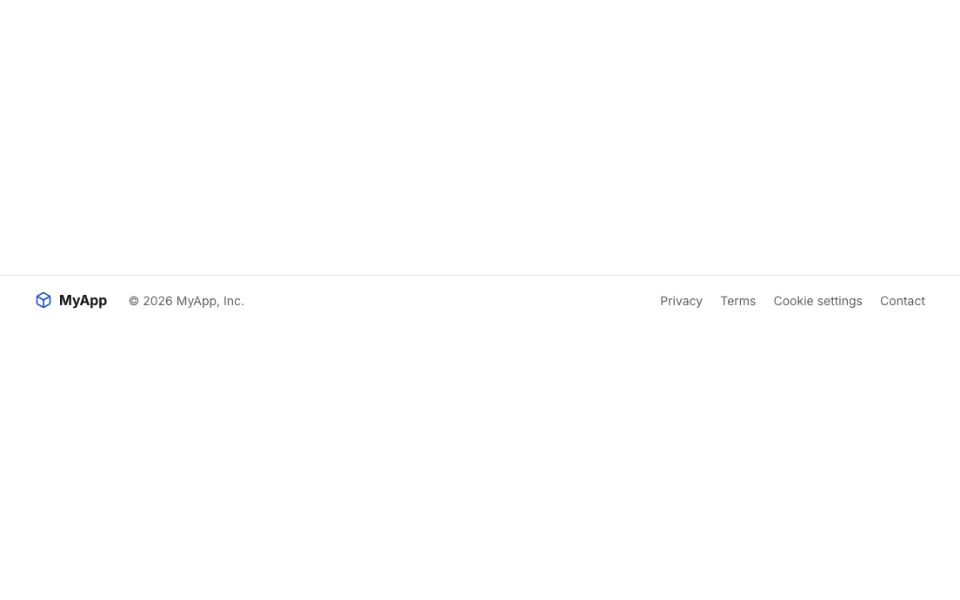
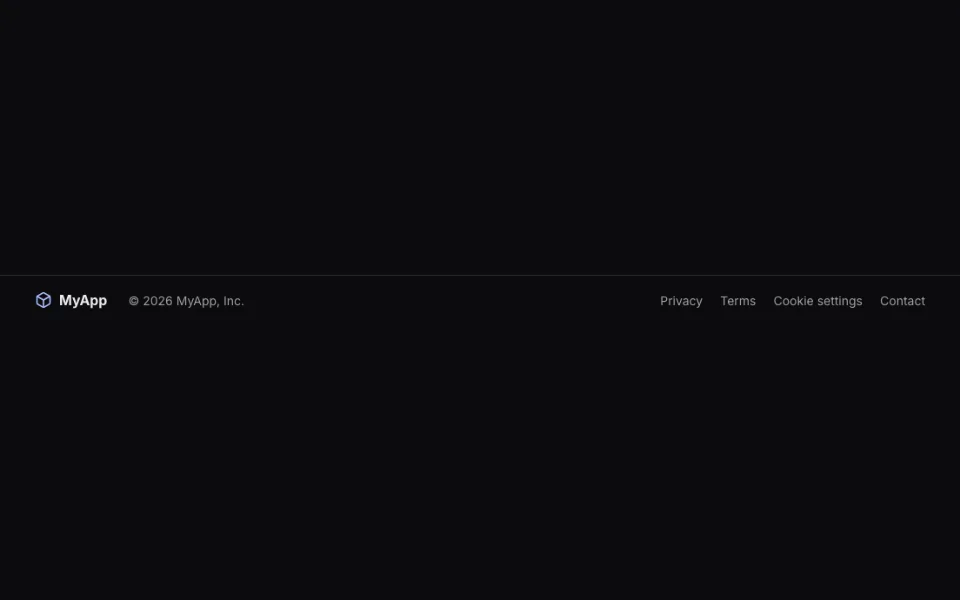
The end of every page: your name, the copyright and the links people look for at the bottom.
Heroes
1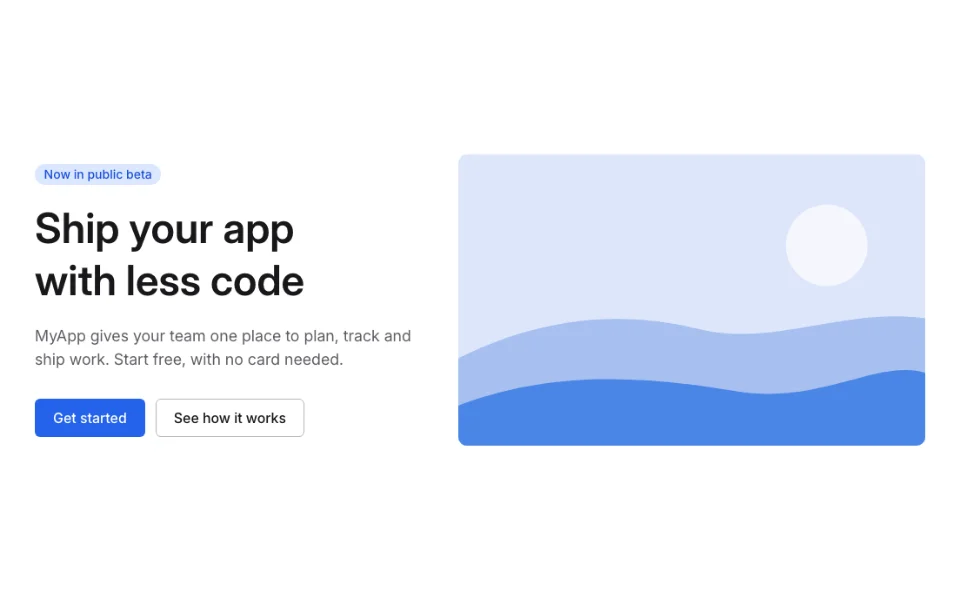
Hero
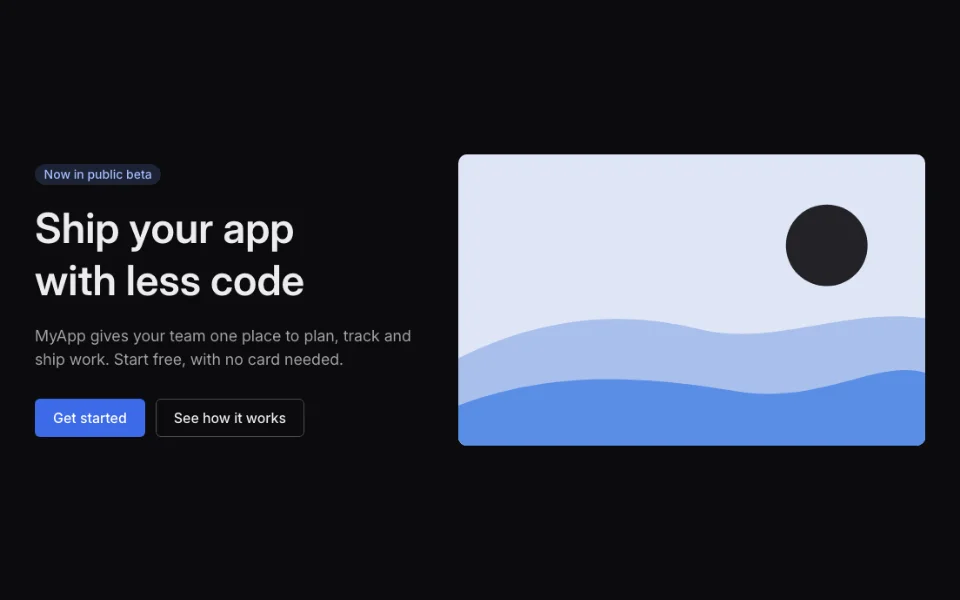
The top of a landing page: a headline, a sentence, two buttons and a screenshot or image.
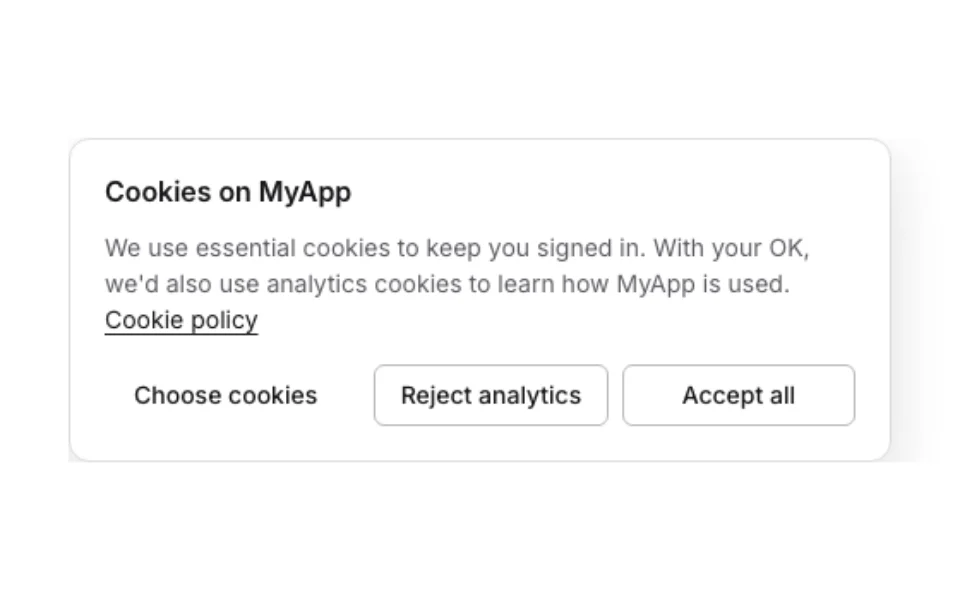
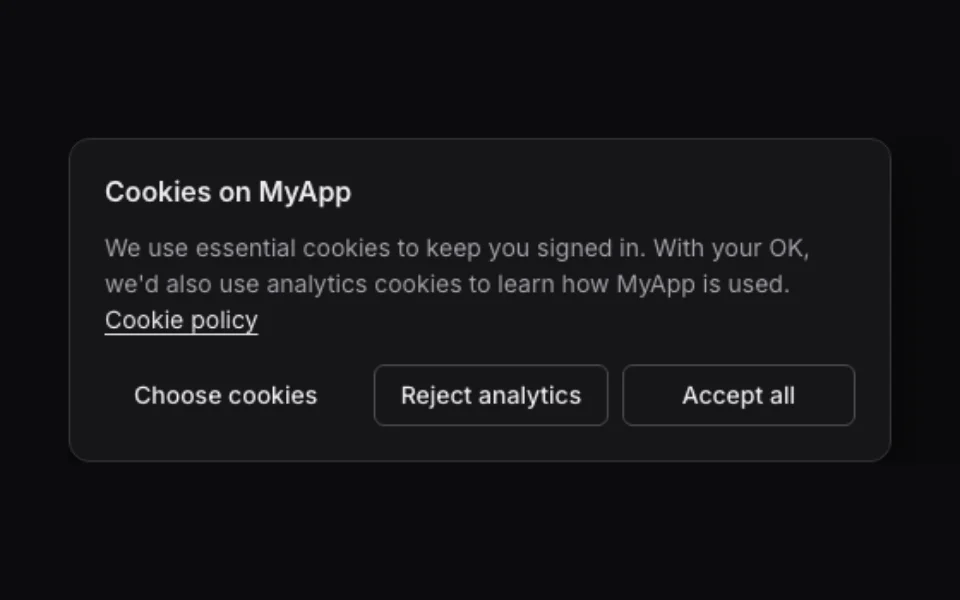
Cookie consent
Ask before any cookie that isn't essential: a notice until the visitor chooses, a settings page, and a way for your code to check.
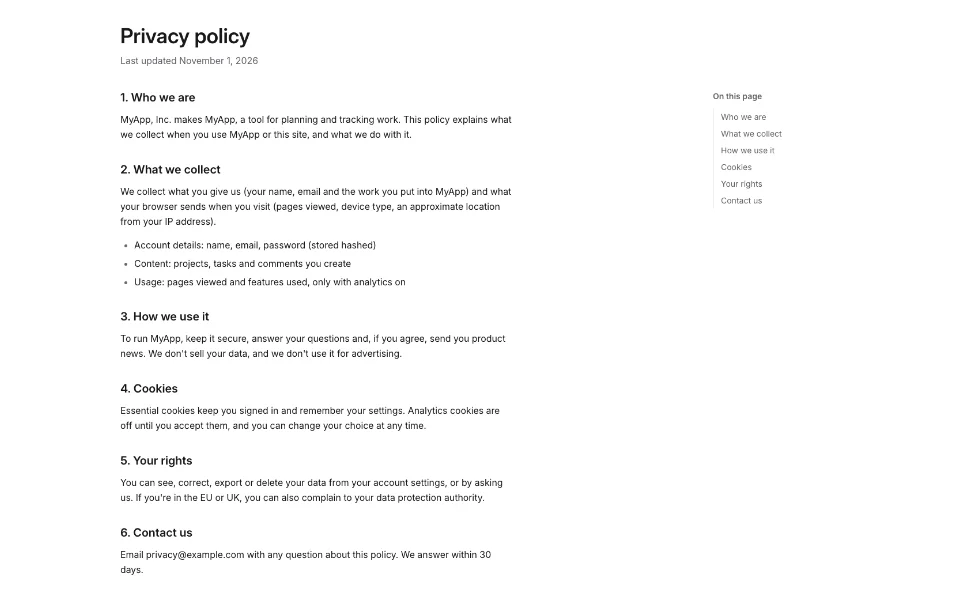
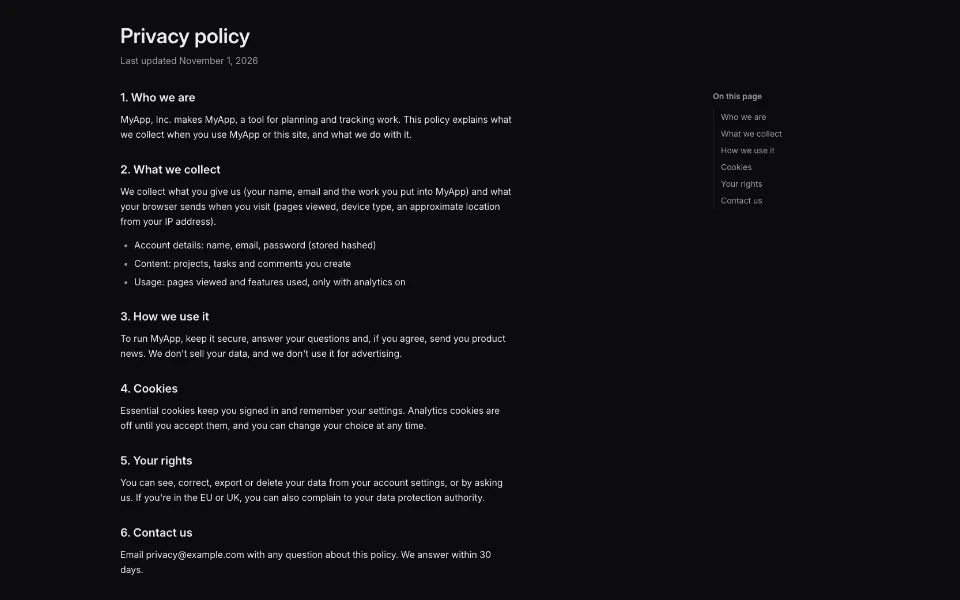
Legal page
A privacy policy, terms or any long page of prose: numbered sections, with an "On this page" list that follows you down.
Pricing
1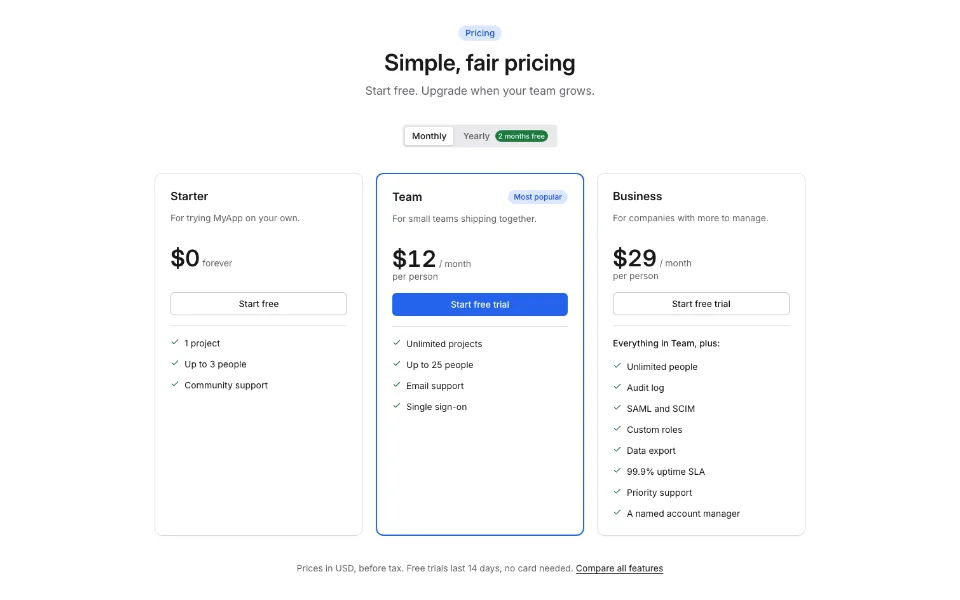
Pricing
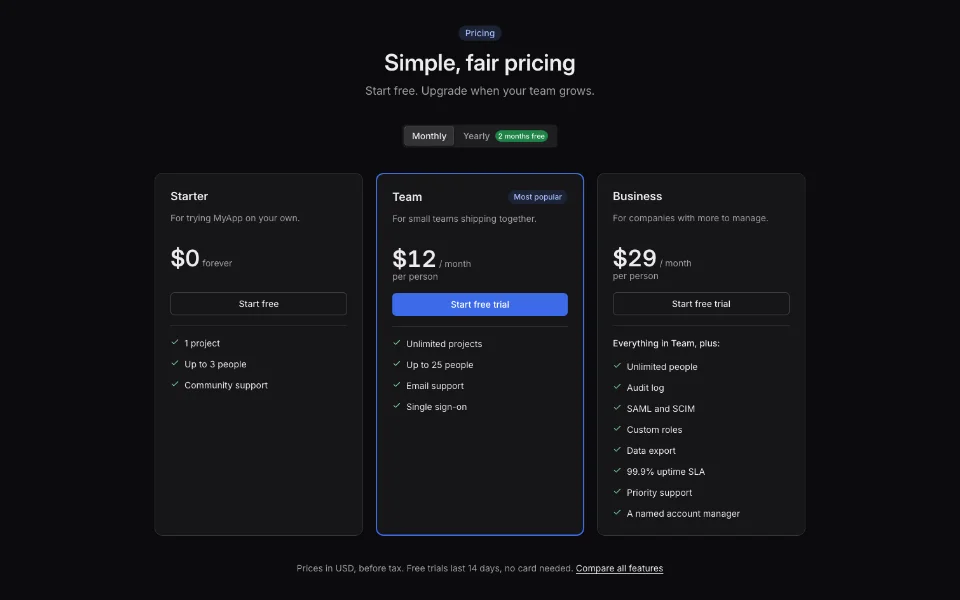
Plans side by side: what each costs, who it's for and what it includes, with a monthly or yearly switch.
Team
1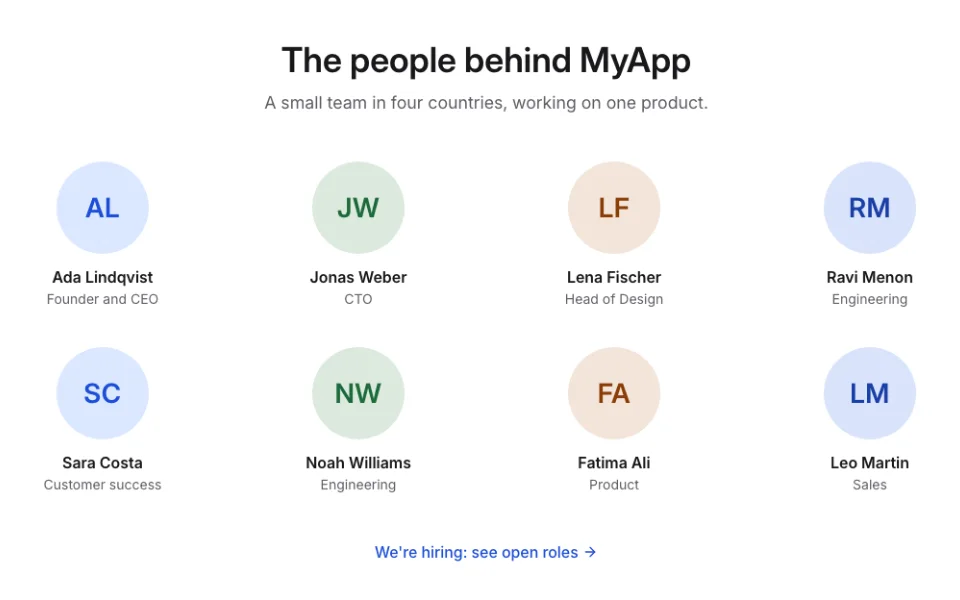
Team
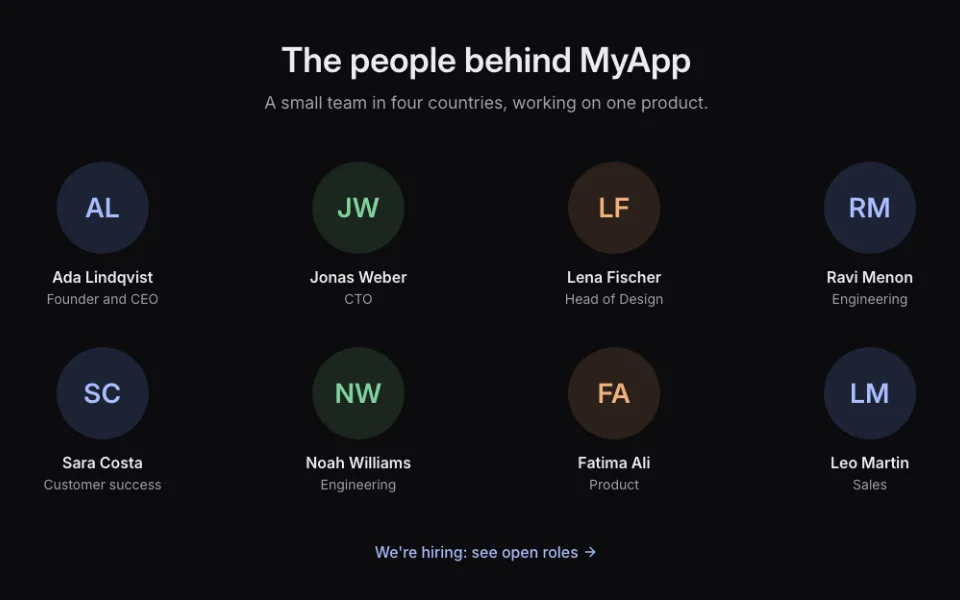
The people behind the product: a photo or initials, a name and a role for each, and a link to open roles.
Testimonials
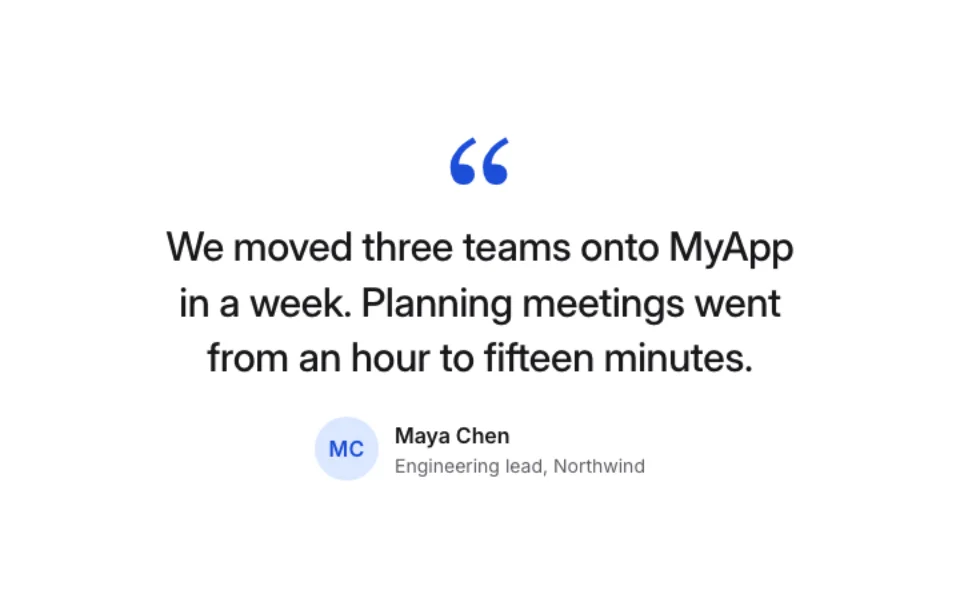
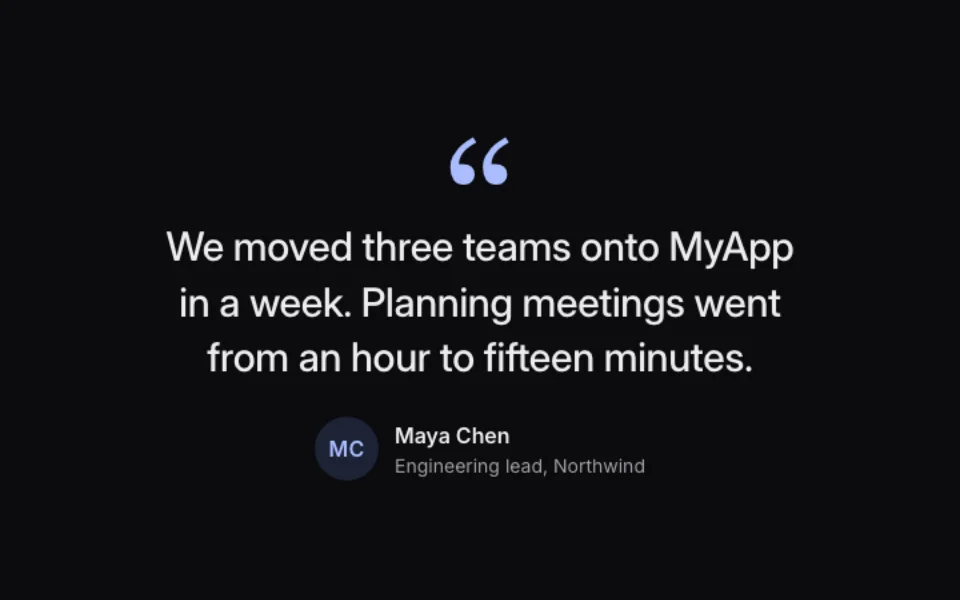
Show that others use and like it: one customer's words, with their name, role and avatar.